Wave Accounting Integration
If you are currently using Wave for accounting purposes, you can now start syncing your invoices from FG Funnels to Wave.
Within integrations, connect Wave & select an account to sync your invoices. Once saved, any new invoices created or updated within FG Funnels will start getting synced to Wave which will save you the effort of duplicating invoices on Wave too.
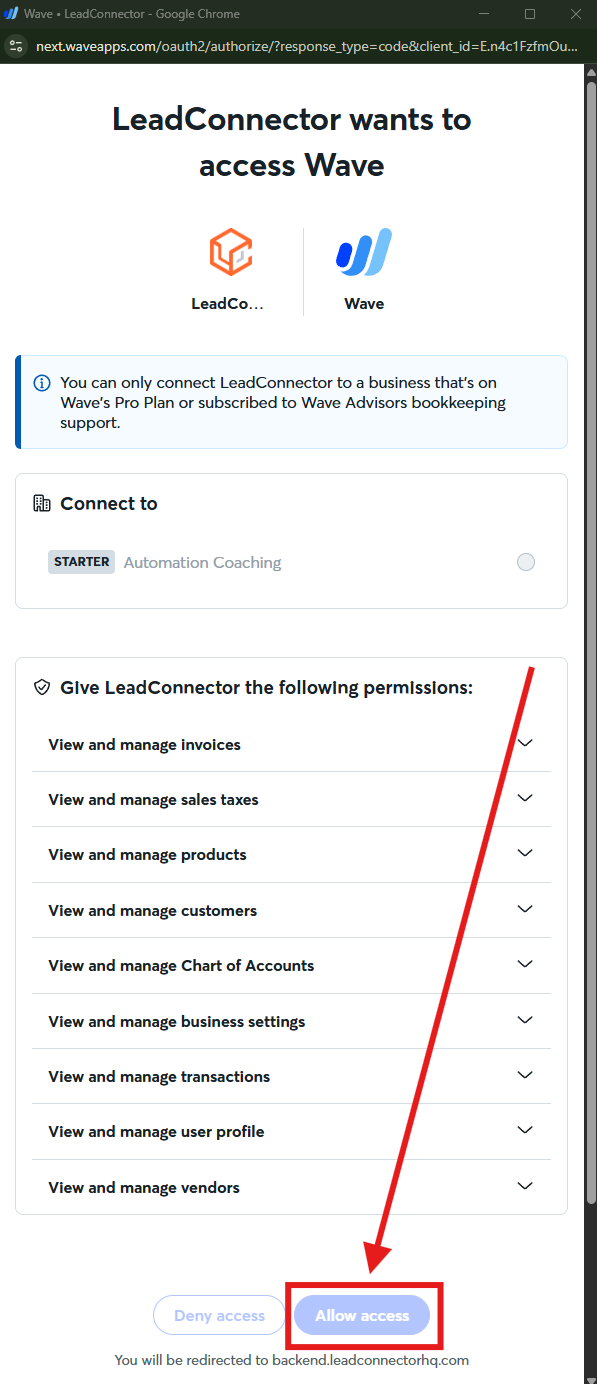
Important Note: Wave only allows accounts on their Pro Plan or subscribed to Wave Advisors bookkeeping support to integrate with FG Funnels via LeadConnector. The "allow access" button will be greyed out if your are on a Wave "Starter" plan.
How to Use
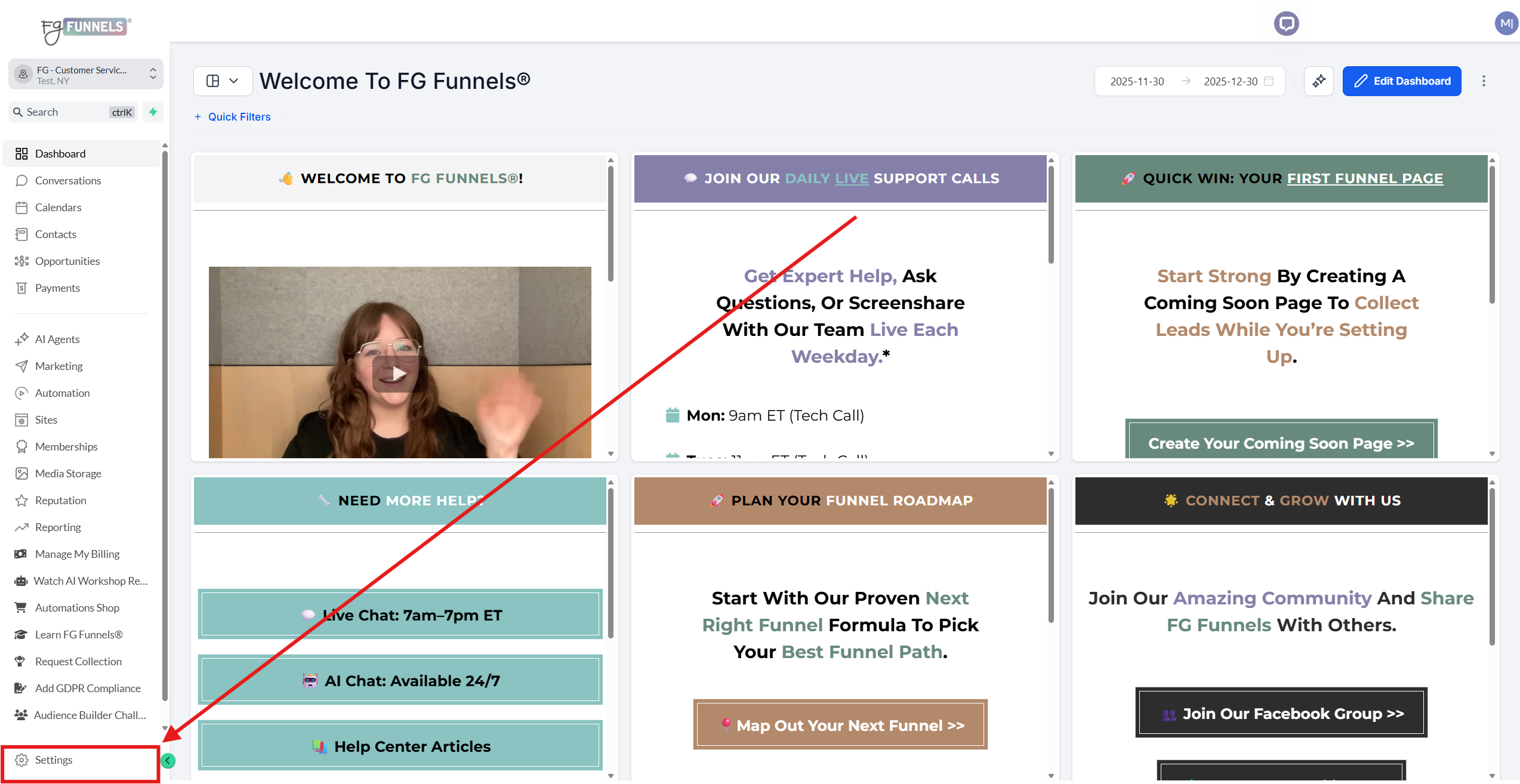
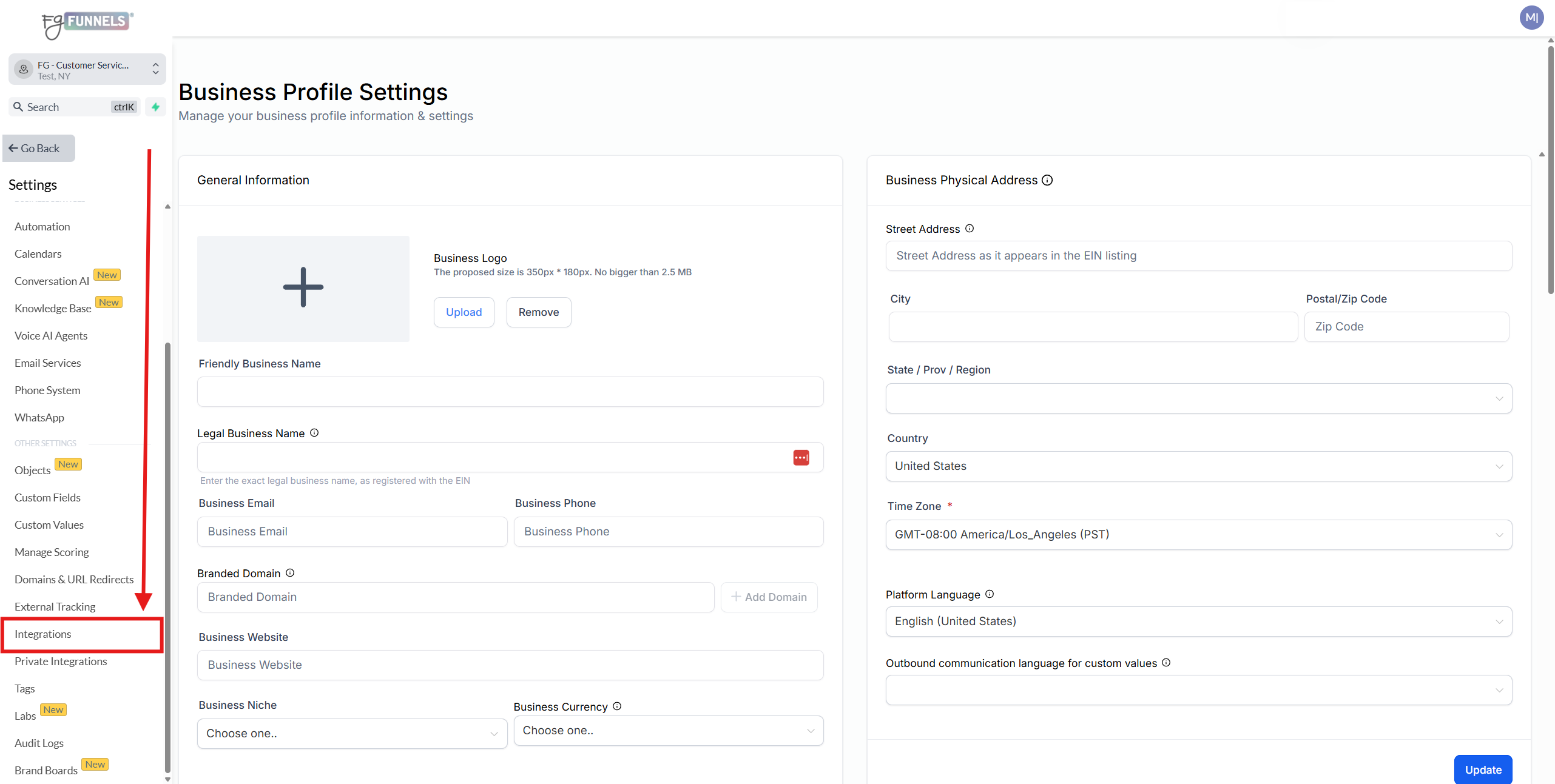
1) Navigate to Settings → Integrations → Wave.
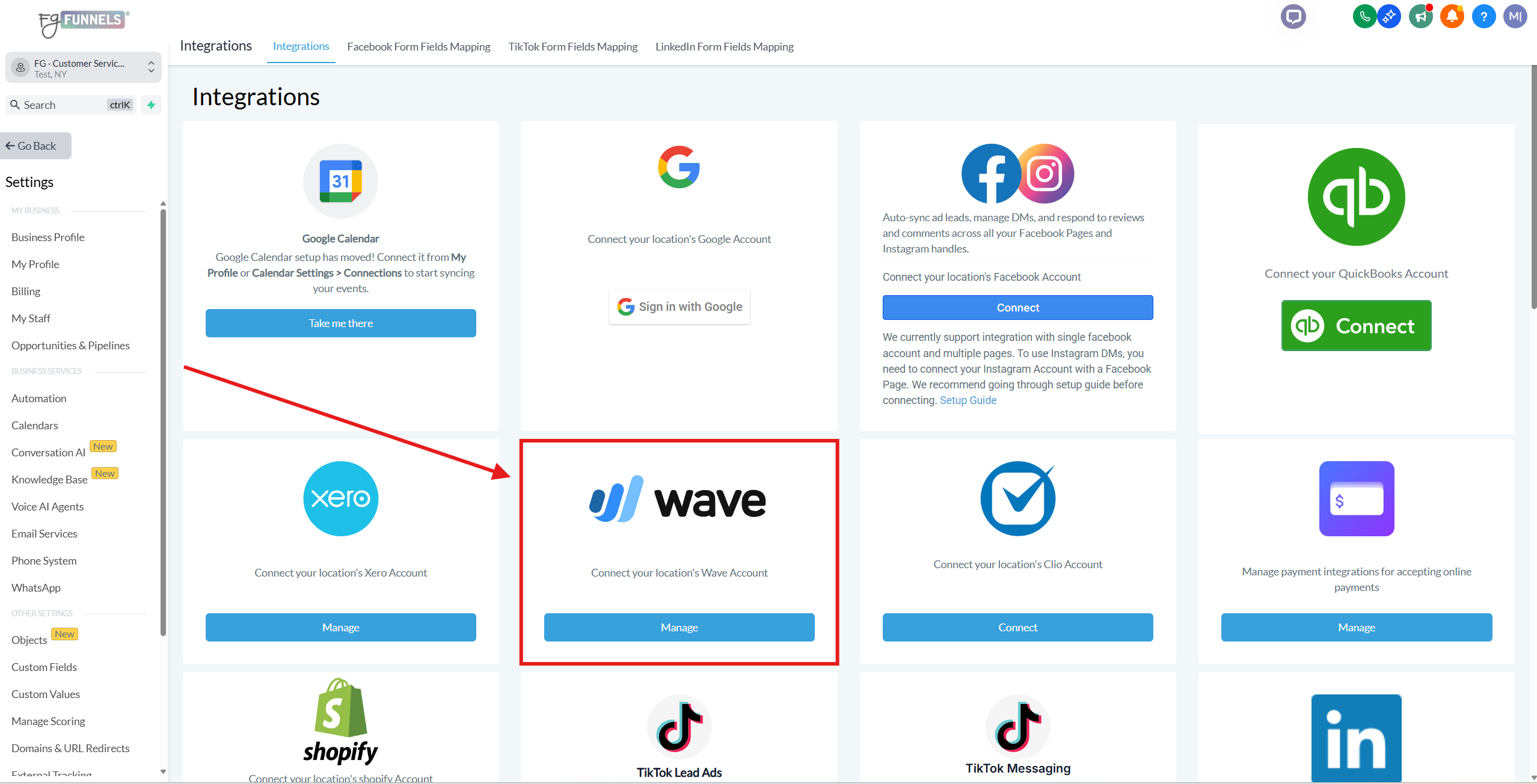
2) Click the "Manage" button.
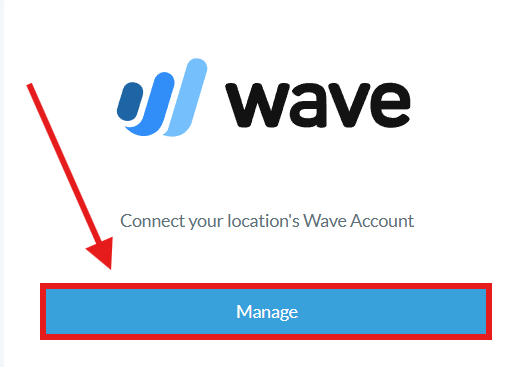
3) Click the "Integrate" button.
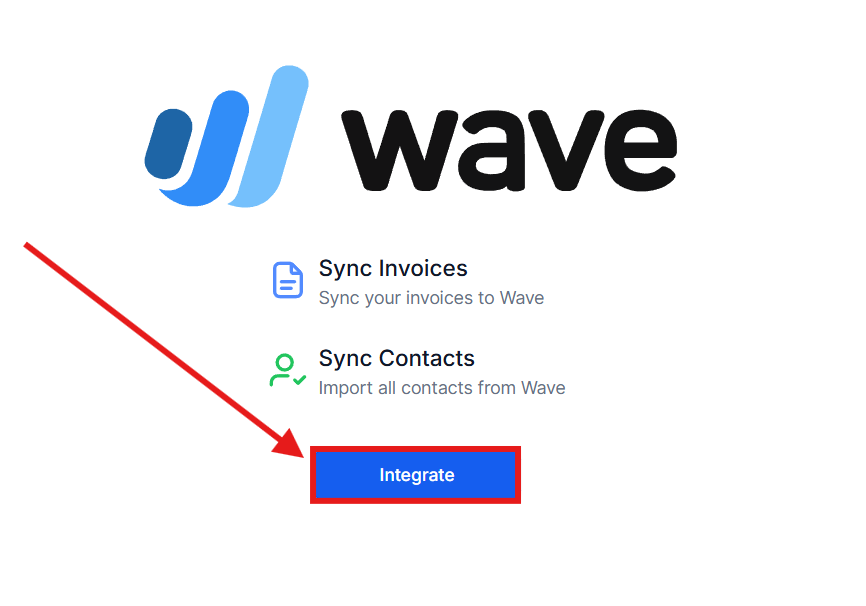
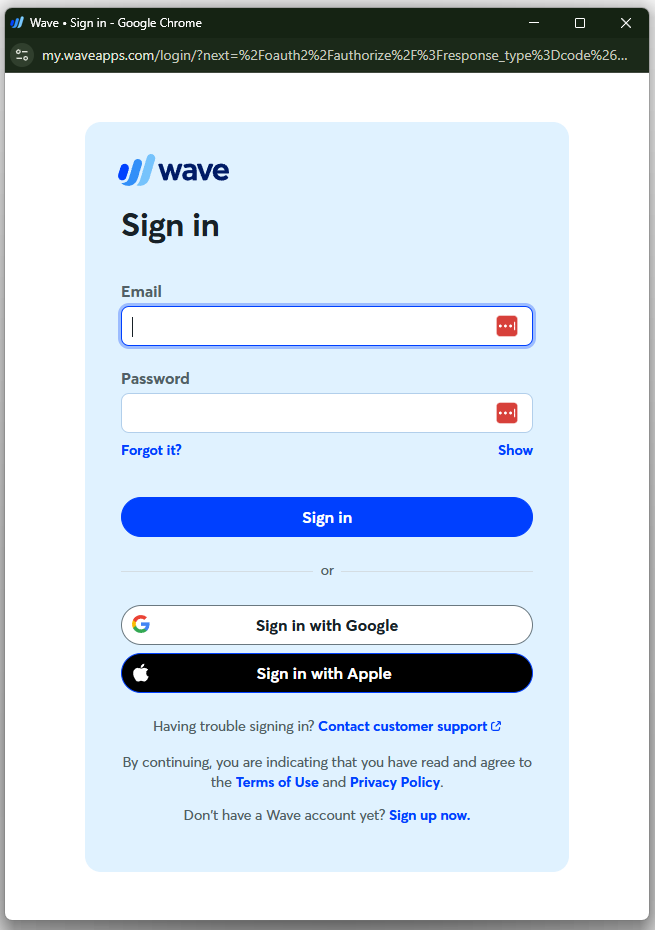
4) You'll see a new popup window similar to the one below. Please enter your Wave credentials and click "Sign In."
5) Review the permission settings, and click the "Allow Access" button to grant access to enable a one-way sync of invoices from FG Funnels to Wave.
Important Note: Wave only allows accounts on their Pro Plan or subscribed to Wave Advisors bookkeeping support to integrate with FG Funnels via LeadConnector. The allow access button will be greyed out if your are on a Wave "Starter" plan.