
Why Isn't My Row Full Width?
In the FG Funnels funnel and website builder, rows are set to 100% width by default, but a row can only stretch as wide as the section it sits in allows. If your row stops short of the edges of its section, the fix is a setting on the section, not on the row.
Why This Happens
Every page is built from nested blocks: sections hold rows, rows hold columns, and columns hold your elements (headlines, text, images, buttons). Even when a row is set to 100% width, the section around it keeps the row inside its own content area unless you tell it otherwise. That setting is off by default, which is why so many rows look narrower than expected.
How to Make a Row Full Width
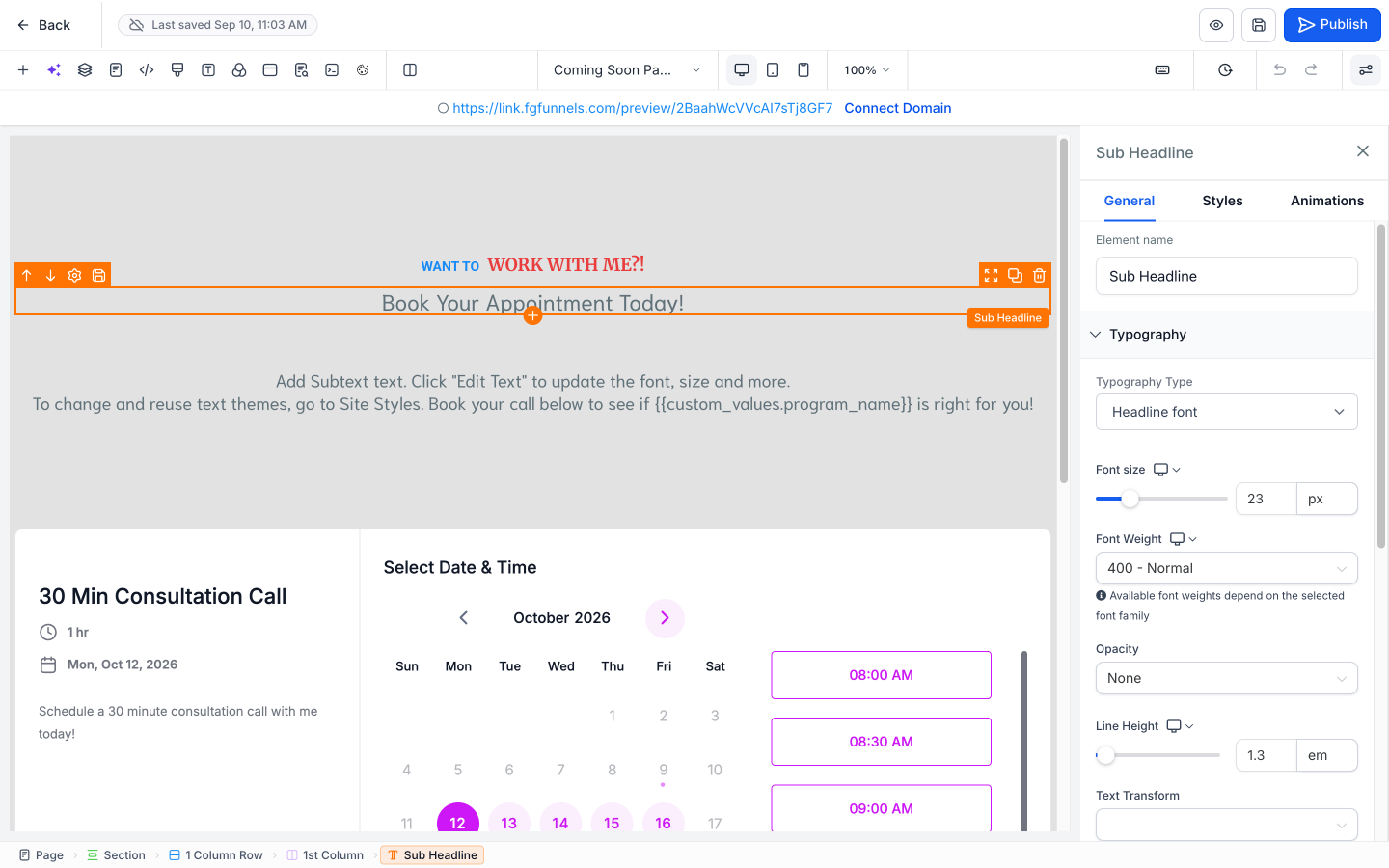
1. Select the section that contains the row
Click anything inside the row you want to expand. Then, in the breadcrumb along the bottom of the builder, click Section. This selects the section that contains your row and opens its settings in the side panel.
2. Turn on "Allow Rows to take entire width"
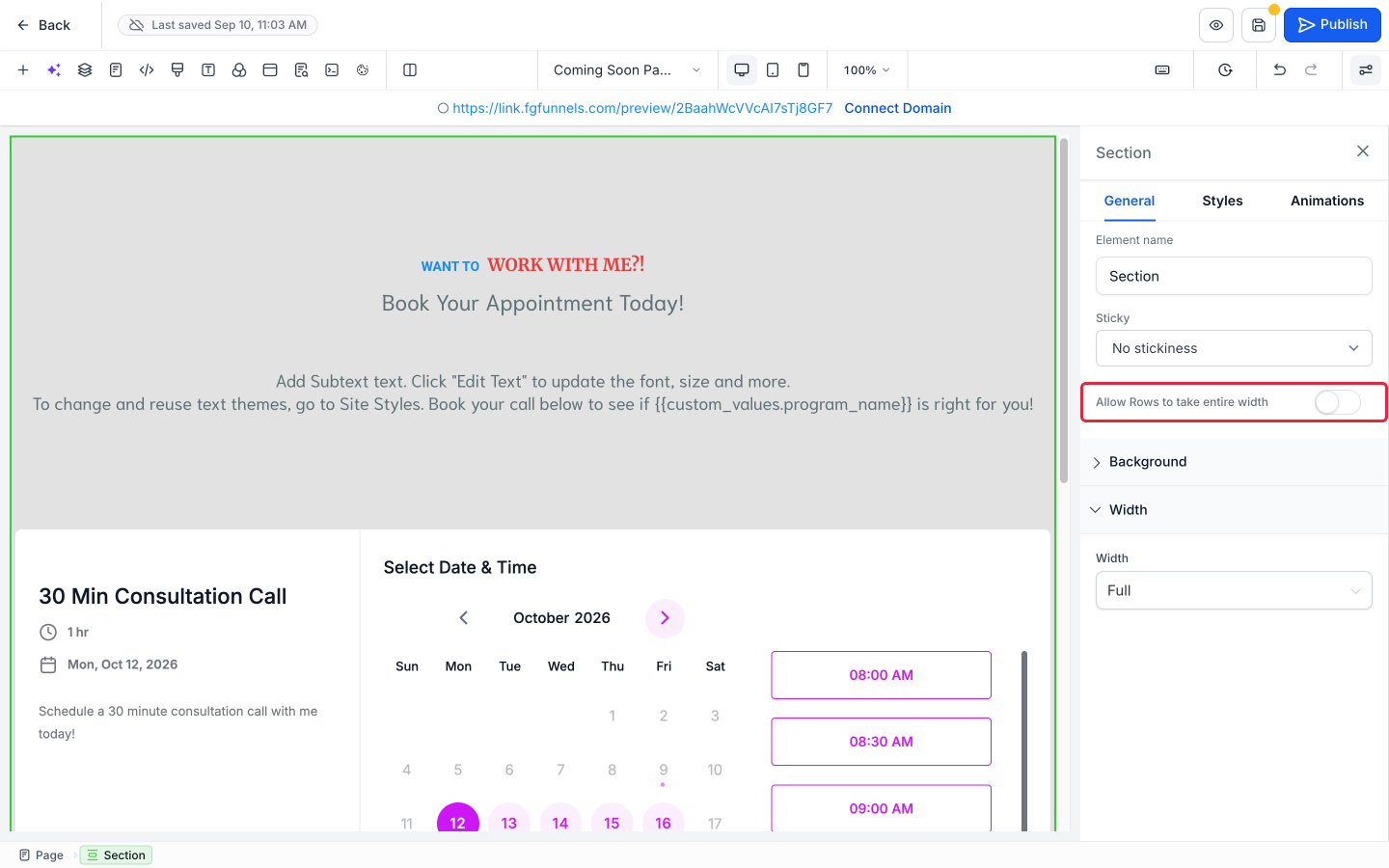
In the section's General tab, turn on Allow Rows to take entire width.
3. Save and check
Click the Save icon (the disk icon at the top right of the builder), then check the row on desktop, tablet, and mobile using the device icons in the toolbar.
Still Not Full Width?
- Check the section's own width. A row can't be wider than its section. If the section is set to Wide, Mid Wide, or Small, the row will only fill that width. See How to Change a Section's Width.
- Make sure you changed the right section. The setting applies only to the rows inside that one section. Use the breadcrumb to confirm which section you have selected.