
Invite Members to Your Community Group Using an Invite Link
Still on the classic look? If your community hasn't moved to the new experience yet, see Moving to the New Client Portal Experience.
Grow your community group by sharing one link anywhere your people already are. This guide shows you how to copy and share your group link, what your invitees will see, and how approvals work for private groups. Prefer to invite someone directly? See How to Invite Members to Your Community Group by Email.
In this article
How to Invite Members by Link
1. Open your group
Go to Memberships > Communities > Groups, then click Login on the group you want to invite people to. The group opens in a new tab.
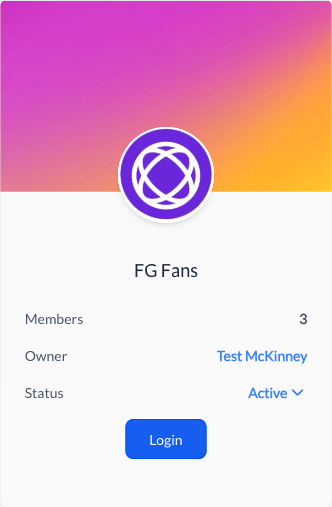
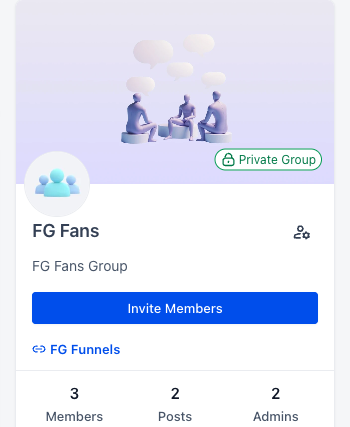
2. Click Invite Members
You'll find Invite Members in the group card on the right side of the page.
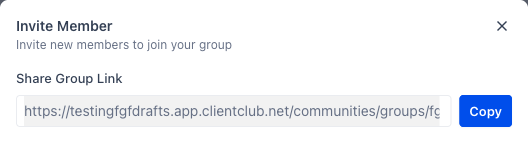
3. Copy the group link
In the Invite Member window, under Share Group Link, click Copy.
4. Share the link
Send the link however you like: email, text, WhatsApp, Instagram, Facebook, or any other channel.
What Invited Members Will See
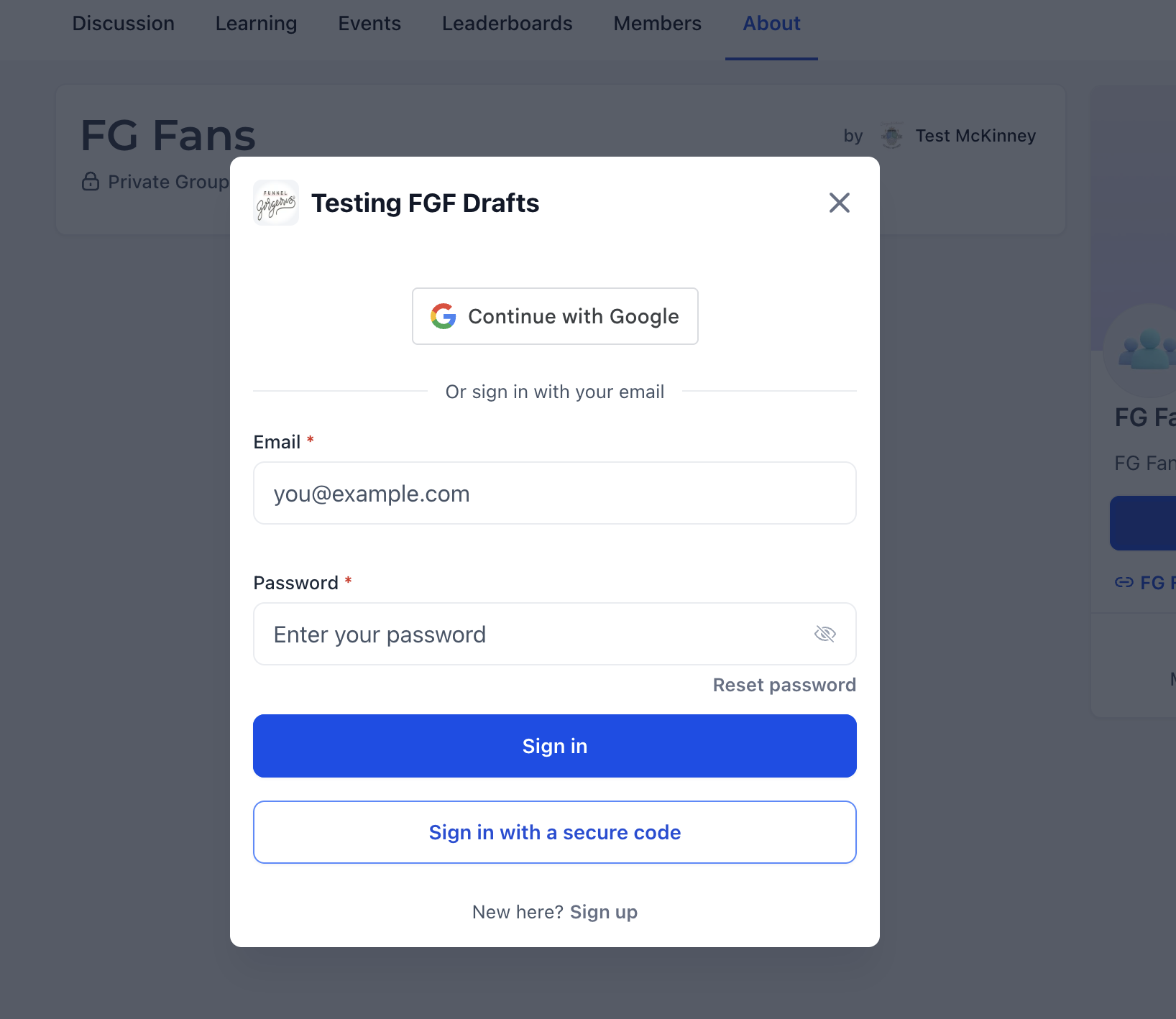
When someone opens your invite link, a sign-in window appears over the group page.
- Already have an account? They can click Continue with Google, sign in with their email and password, or click Sign in with a secure code.
- New here? They click Sign up and enter their name and email to create an account.
If the group is paid, they'll pay to join (see Paid Groups).
Approving Requests to Join a Private Group
Invite links don't skip approval for private groups. Anyone who joins a private group by link sends a request that an owner or admin has to approve. (Email invites are the exception; they're approved automatically.)
- Open the group and click the Members tab.
- Under Status on the left, select Requested.
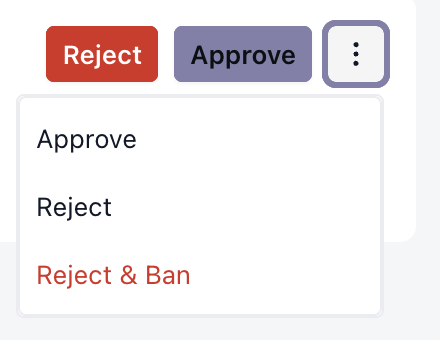
- On the person's request, click Approve or Reject. You can also click ⋮ (three dots) to choose Approve, Reject, or Reject & Ban.
Frequently Asked Questions
I have a big list of people to invite. Can I invite them all at once?
Yes. Send an email or SMS campaign that includes the group URL, so everyone on your list can find the group and join.
Can members invite other people, or only admins and owners?
You decide. In the group's Settings, turn Allow members to invite new members on or off. When it's off, members don't see the invite button.
I sent an invite, but they haven't joined yet. Can I resend it?
Yes. Send the group URL or the invite email again.